
Bleeding Llama
Three Ollama Vulnerability Clusters, One of Which Is Unpatched After 90 Days.

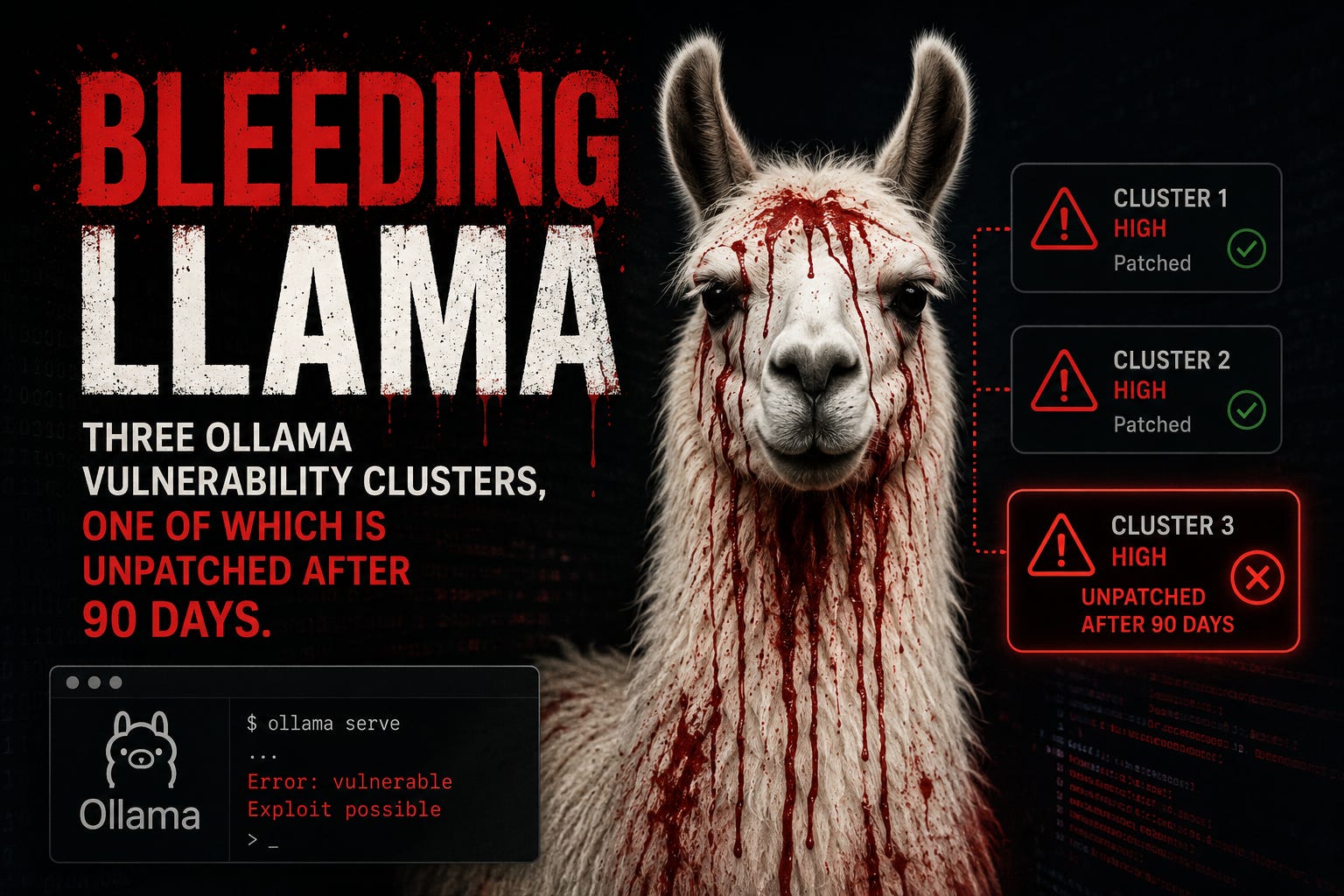
CVE-2026-7482, dubbed Bleeding Llama by Cyera, is a heap out-of-bounds read in Ollama’s GGUF model loader affecting all versions before 0.17.1. CVSS 9.1. No authentication required. The attack chain uses three unauthenticated API calls: upload a crafted GGUF file with inflated tensor dimensions via /api/create, trigger the out-of-bounds read during quantization, then push the resulting model artifact — which now contains stolen heap memory — to an attacker-controlled registry via /api/push.
The leaked data rides out in a model artifact rather than a crash dump, exfiltrated via Ollama’s own push mechanism. What ends up in heap memory varies by deployment but can include environment variables, API keys, system prompts, user conversation data, and any content that has passed through the Ollama process — including outputs from MCP bridges and coding assistants connected to it.
Ollama released version 0.17.1 without mentioning the security fix in the changelog. Cyera estimates over 300,000 Ollama servers are reachable on the public internet. The default binding is 127.0.0.1, but OLLAMA_HOST=0.0.0.0 is widely used in shared inference setups, and those instances are already mapped by Shodan.
The Windows update chain — unpatched at 90 days
Striga disclosed two vulnerabilities in Ollama’s Windows update mechanism on January 27, 2026. Both remain unpatched after the 90-day disclosure period elapsed.
The Windows desktop client auto-starts on login from the Startup folder, listens on 127.0.0.1:11434, and polls /api/update in the background. CVE-2026-42249 (CVSS 7.7): the updater builds the local staging path directly from HTTP response headers without sanitizing it — path traversal that writes an arbitrary executable to the Startup folder. CVE-2026-42248 (CVSS 7.7): the Windows updater installs update binaries without validating them, unlike the macOS version.
Chaining both: override OLLAMA_UPDATE_URL to point at a local plain-HTTP server, supply an arbitrary executable, and it lands in the Windows Startup folder and runs at every login without a signature check. The missing integrity check is sufficient for code execution on its own, without the path traversal. AutoUpdateEnabled is on by default. The persistence ends when the dropped binary is removed from Startup — the flaws remain.
The “local” assumption is the actual vulnerability
CVE-2026-7482 targets how far “local” actually goes when you run a local LLM. Once port 11434 is reachable from outside — a shared network, a Docker network, a corporate LAN — the model server carries the same attack surface as an unauthenticated admin panel. A login page on the UI is not a sufficient boundary if Ollama’s API is reachable from the same network.
The organizational pattern is the same one from the Prod_DB_Root_Creds_DO_NOT_SHARE.xlsx story: a tool built for local use gets deployed as a shared service, the local security assumptions travel with it, and the exposure opens quietly.
Actions
Patch Bleeding Llama: update to Ollama 0.17.1 or later now. If your instance was internet-accessible before patching, rotate all credentials and environment variables the Ollama process could have touched, and review logs for /api/create and /api/push calls from unexpected sources.
For Windows deployments: no patch exists for the update chain. Set AutoUpdateEnabled=false, restrict network access to 127.0.0.1:11434, and audit the Windows Startup folder for unexpected executables.
For any shared Ollama deployment: put it behind an authenticated reverse proxy. Port 11434 should never be directly internet-facing.
- Alex